
AI image upscaling can make an image look clearer, but that does not establish that lost original details have been recovered. In our two-image Topaz Gigapixel test, stronger outlines and more visible texture sometimes differed from the known high-resolution reference.
To explore AI upscaling vs resizing, we compared the same low-resolution inputs enlarged with Nearest, Lanczos and Topaz. This is a controlled case study using Topaz Gigapixel AI v5.4.4, a commercial closed-source application. It is not an assessment of current Topaz releases or a ranking of upscalers.
Quick Answer
Treat three questions separately:
- Does it look clearer? A smoother curve or a darker edge may look better at the intended viewing size.
- Is it closer to the reference? When the original is available, compare the same features and pixels.
- Where did the detail come from? A convincing texture or letter shape is not evidence that it matches the original scene.
Our Topaz exports showed local gains and losses. They did not establish reliable recovery of small text or the original synthetic texture. There is no percentage of “detail recovered” in this test.
Traditional Resizing vs AI Upscaling
Nearest selects a nearby source pixel. Enlarging this way makes the low-resolution pixel grid obvious. Lanczos calculates new values using a resampling filter, producing a smoother enlargement. Both operate on the supplied image rather than identifying what an unreadable character was supposed to say. Pillow documents these filters.
A learned upscaler estimates a higher-resolution image using patterns learned during training. The result may have more definite edges or more elaborate texture, but its appearance alone cannot tell us whether those details are correct. We did not inspect Topaz's proprietary model or identify the component responsible for any particular output pixel.
File format is a separate decision. Saving an enlargement as PNG avoids another lossy save, but does not bring back information lost earlier. Our image file formats guide explains that distinction.
Our Controlled Two-Image Test
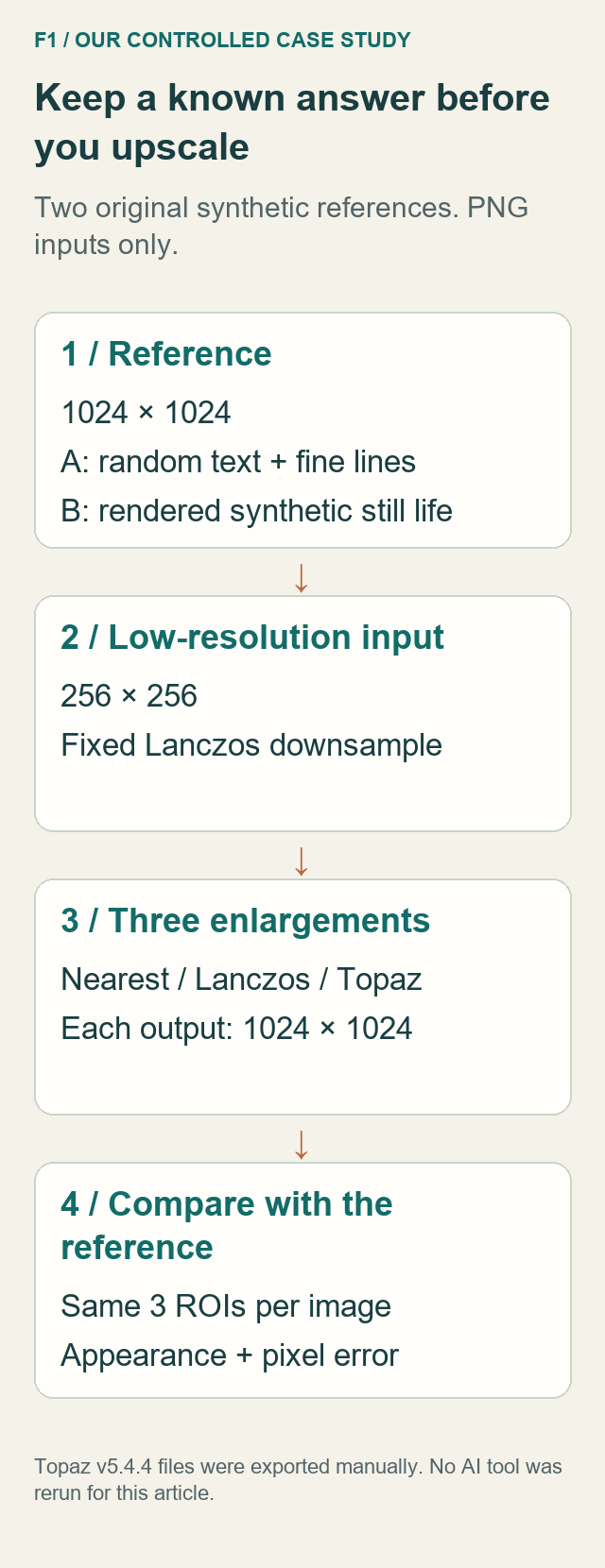
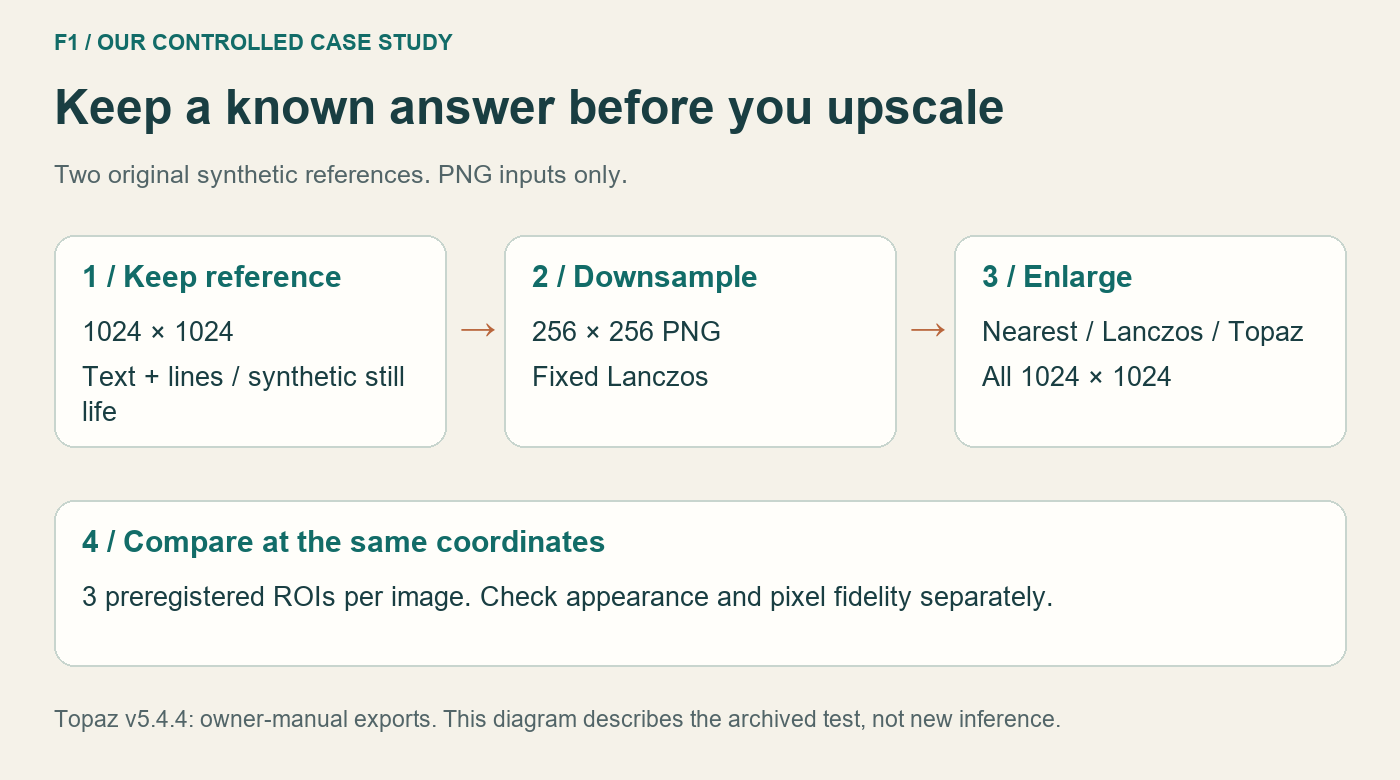
We started with two newly authored 1024 × 1024 references:
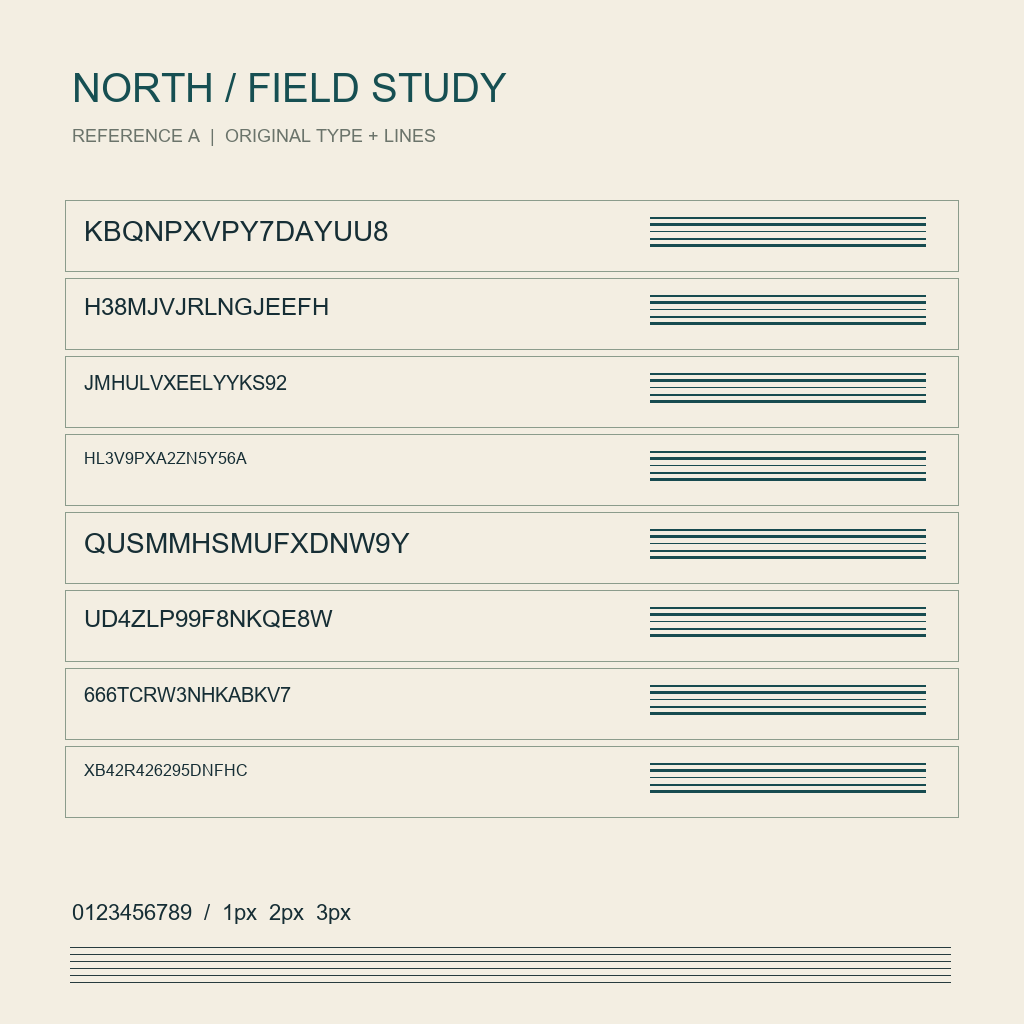
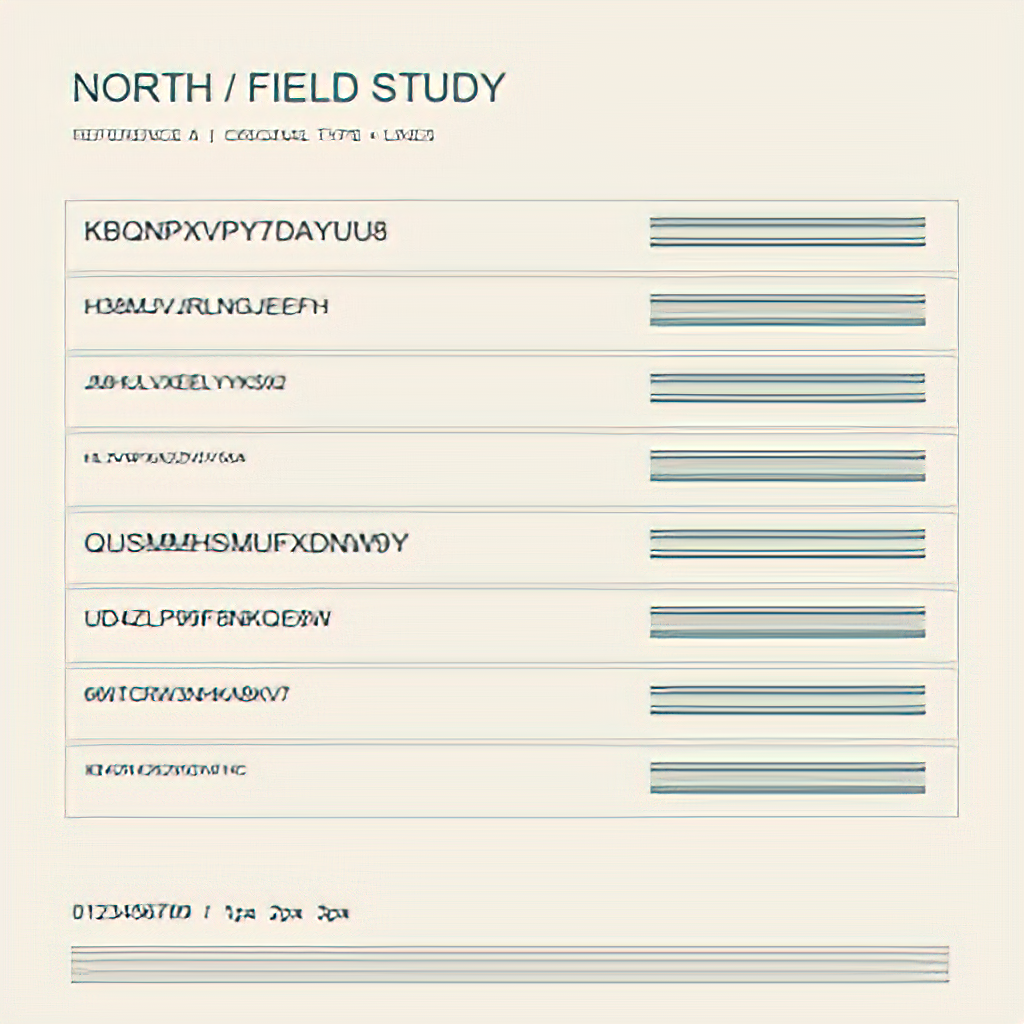
- A: random letters, digits and fine lines, rendered programmatically.
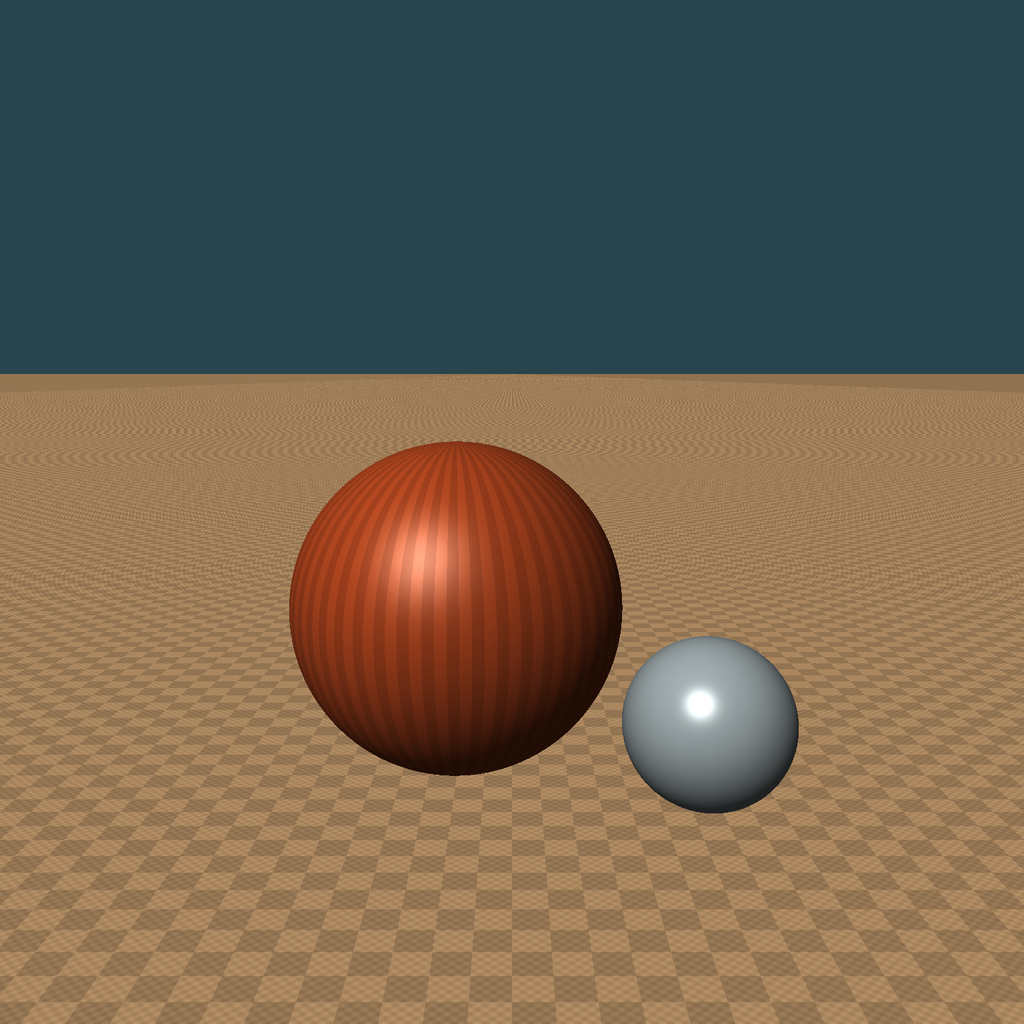
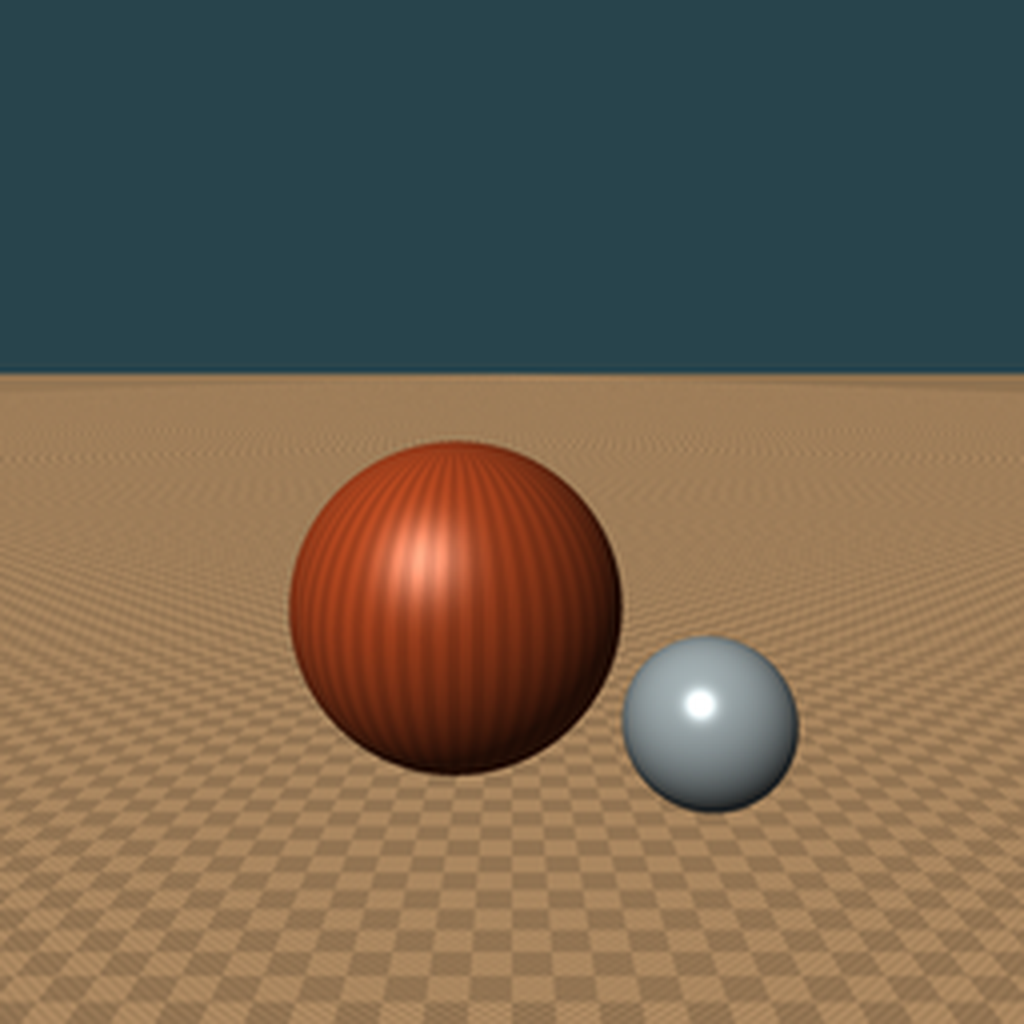
- B: a program-rendered still life with two spheres and a patterned floor. It is synthetic, not a photograph or a captured real-world texture.
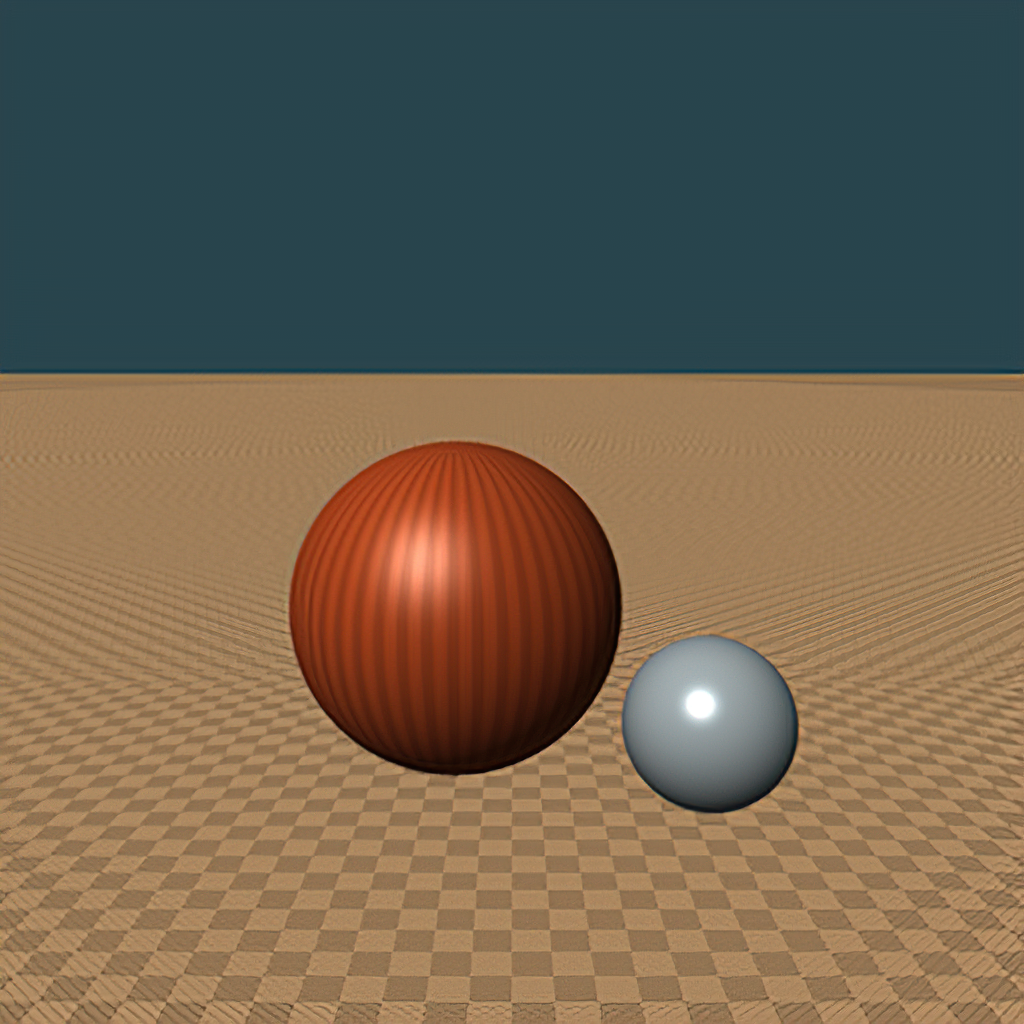
Each reference was reduced to a 256 × 256 PNG using Pillow Lanczos. We reused the preserved input files and traditional enlargements. The owner manually exported one supplied Topaz result per input, at 4×. Every result was 1024 × 1024.
Three regions of interest, or ROIs, per image were already registered before the AI outputs. All six were carried forward unchanged; we did not select crops after seeing which looked most impressive.
Inspect F1 at full size
This view keeps the selected image at its original dimensions. Focus the frame and use arrow keys to scroll.
The recorded Topaz settings were:
| Setting | Value |
|---|---|
| Version | Topaz Gigapixel AI v5.4.4 |
| Resize mode and scale | Scale / 4× |
| AI mode | Standard |
| Settings Auto | Off |
| Suppress Noise | 19 |
| Remove Blur | 60 |
| Reduce Color Bleed | On |
| Face Refinement | On |
| Auto-update preview | Off |
A's controls are documented in the owner's screenshot. The owner confirmed the same settings for B; no separate B settings screenshot was supplied. Because additional enhancements were enabled, these are results of the complete settings combination, not an isolated Standard-model benchmark. Face Refinement being enabled does not prove it activated on these images.
Test A: Text and Fine Lines
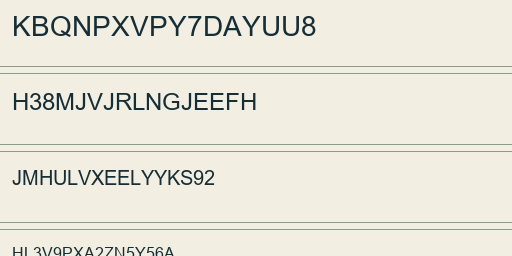
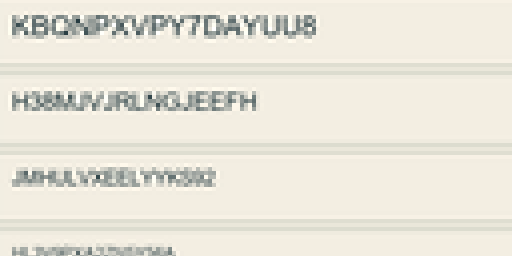
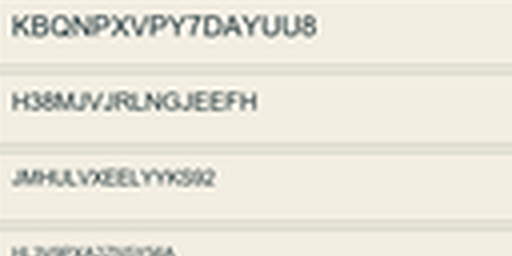
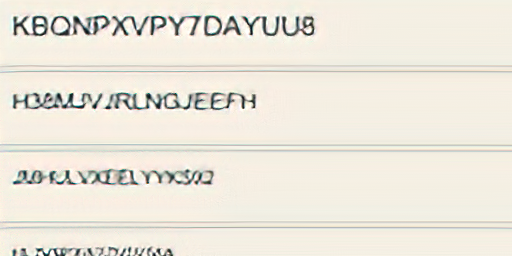
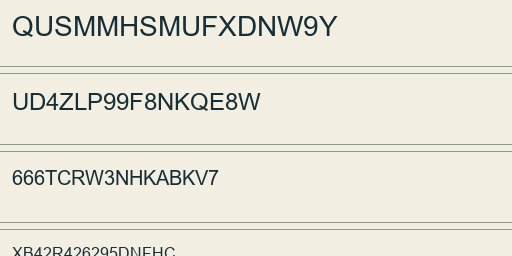
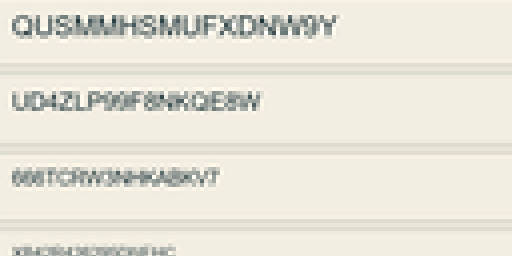
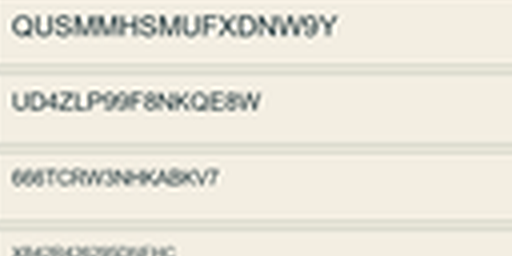
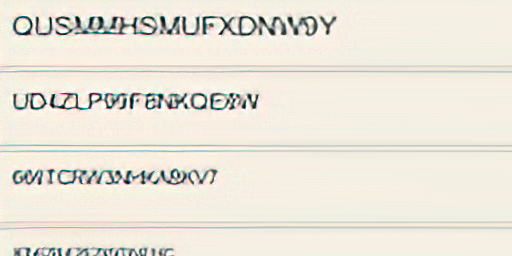
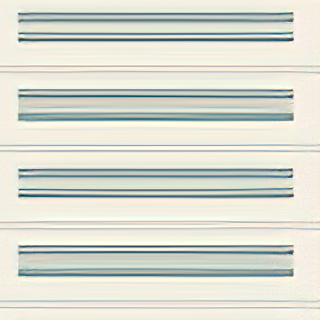
Topaz produced more definite outlines than the traditional enlargements in parts of A. Nearest showed obvious blocks; Lanczos looked softer. But the smaller random characters in the Topaz export still had merged, distorted or unclear strokes compared with the reference. A letter-like shape is not enough to verify the underlying character.
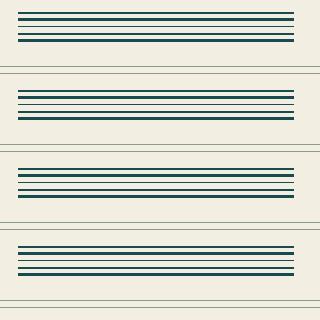
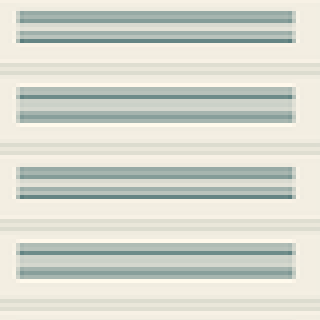
Fine lines gained contrast, yet their edges and shapes still differed from the original. For text, both sharpness and character identity matter. Our earlier small-text compression experiment examines a different way that such detail can be damaged.
ROI 1 (coordinates: 72, 205, 584, 461)
Reference
Inspect F2 ROI 1 (coordinates: 72, 205, 584, 461) / Reference at full size
512 × 256 pixels. Focus the frame and use arrow keys to scroll. Toggle this control to close.
Nearest
Inspect F2 ROI 1 (coordinates: 72, 205, 584, 461) / Nearest at full size
512 × 256 pixels. Focus the frame and use arrow keys to scroll. Toggle this control to close.
Lanczos
Inspect F2 ROI 1 (coordinates: 72, 205, 584, 461) / Lanczos at full size
512 × 256 pixels. Focus the frame and use arrow keys to scroll. Toggle this control to close.
Topaz
Inspect F2 ROI 1 (coordinates: 72, 205, 584, 461) / Topaz at full size
512 × 256 pixels. Focus the frame and use arrow keys to scroll. Toggle this control to close.
ROI 2 (coordinates: 72, 517, 584, 773)
Reference
Inspect F2 ROI 2 (coordinates: 72, 517, 584, 773) / Reference at full size
512 × 256 pixels. Focus the frame and use arrow keys to scroll. Toggle this control to close.
Nearest
Inspect F2 ROI 2 (coordinates: 72, 517, 584, 773) / Nearest at full size
512 × 256 pixels. Focus the frame and use arrow keys to scroll. Toggle this control to close.
Lanczos
Inspect F2 ROI 2 (coordinates: 72, 517, 584, 773) / Lanczos at full size
512 × 256 pixels. Focus the frame and use arrow keys to scroll. Toggle this control to close.
Topaz
Inspect F2 ROI 2 (coordinates: 72, 517, 584, 773) / Topaz at full size
512 × 256 pixels. Focus the frame and use arrow keys to scroll. Toggle this control to close.
ROI 3 (coordinates: 632, 205, 952, 525)
Reference
Inspect F2 ROI 3 (coordinates: 632, 205, 952, 525) / Reference at full size
320 × 320 pixels. Focus the frame and use arrow keys to scroll. Toggle this control to close.
Nearest
Inspect F2 ROI 3 (coordinates: 632, 205, 952, 525) / Nearest at full size
320 × 320 pixels. Focus the frame and use arrow keys to scroll. Toggle this control to close.
Lanczos

Inspect F2 ROI 3 (coordinates: 632, 205, 952, 525) / Lanczos at full size
320 × 320 pixels. Focus the frame and use arrow keys to scroll. Toggle this control to close.
Topaz
Inspect F2 ROI 3 (coordinates: 632, 205, 952, 525) / Topaz at full size
320 × 320 pixels. Focus the frame and use arrow keys to scroll. Toggle this control to close.
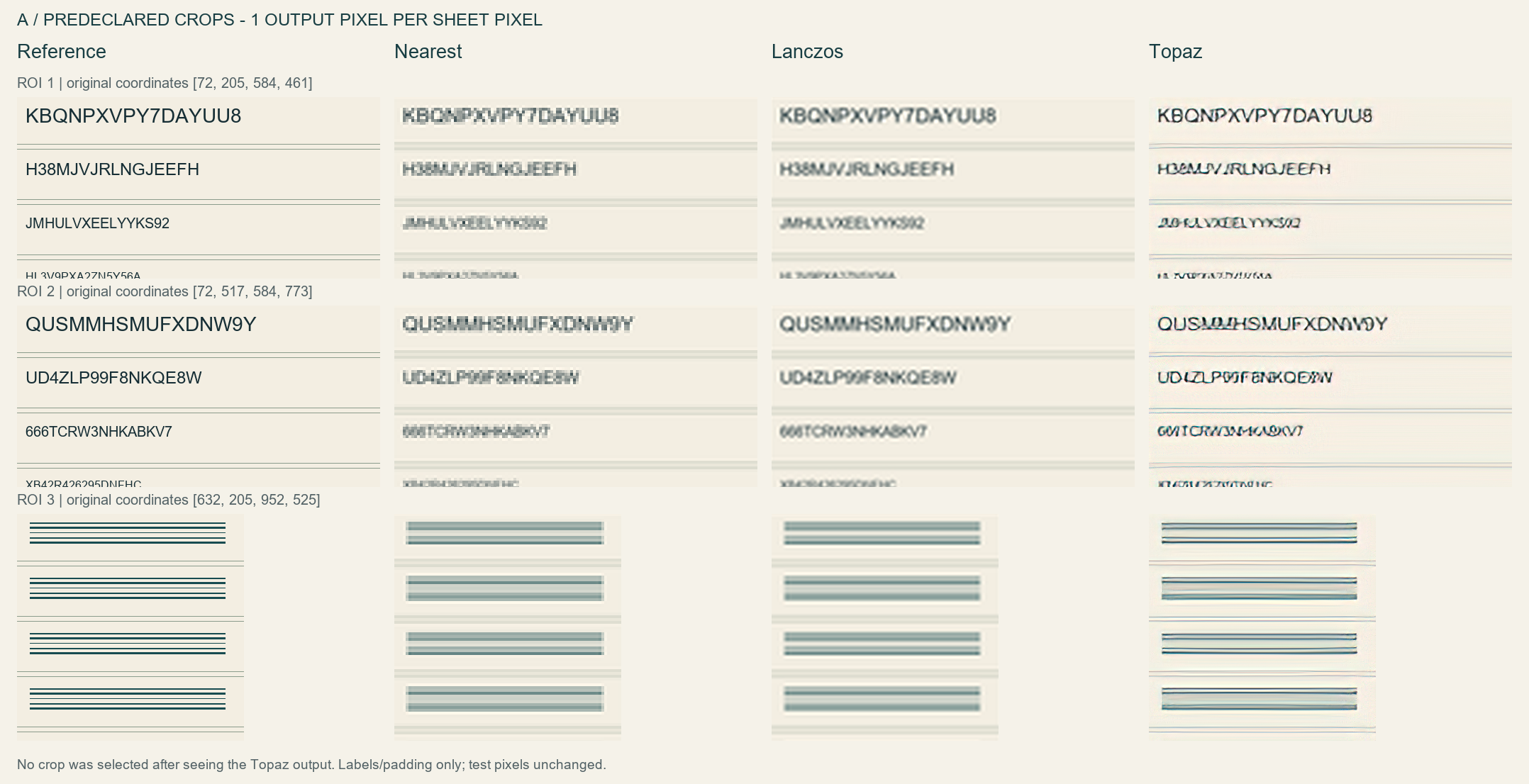
We did not conduct blinded human transcription or measure character-reading accuracy. This example supports a narrower observation: sharper-looking text was still visibly different from the known reference.
Test B: Synthetic Texture
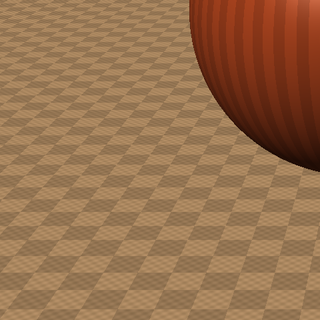
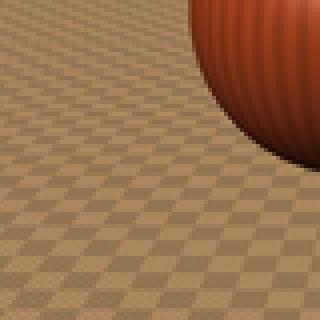
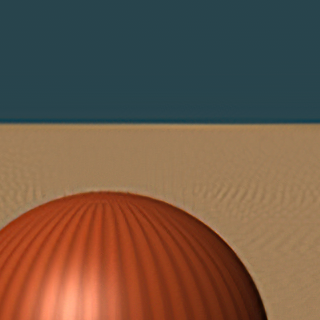
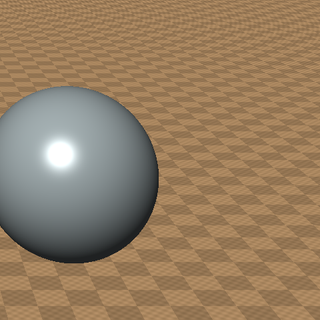
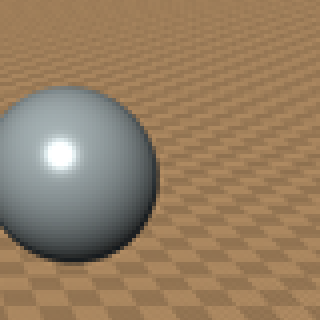
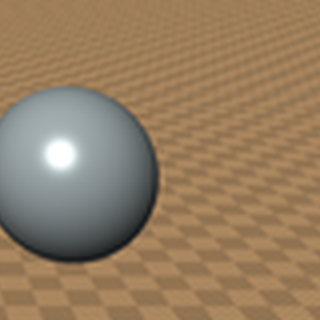
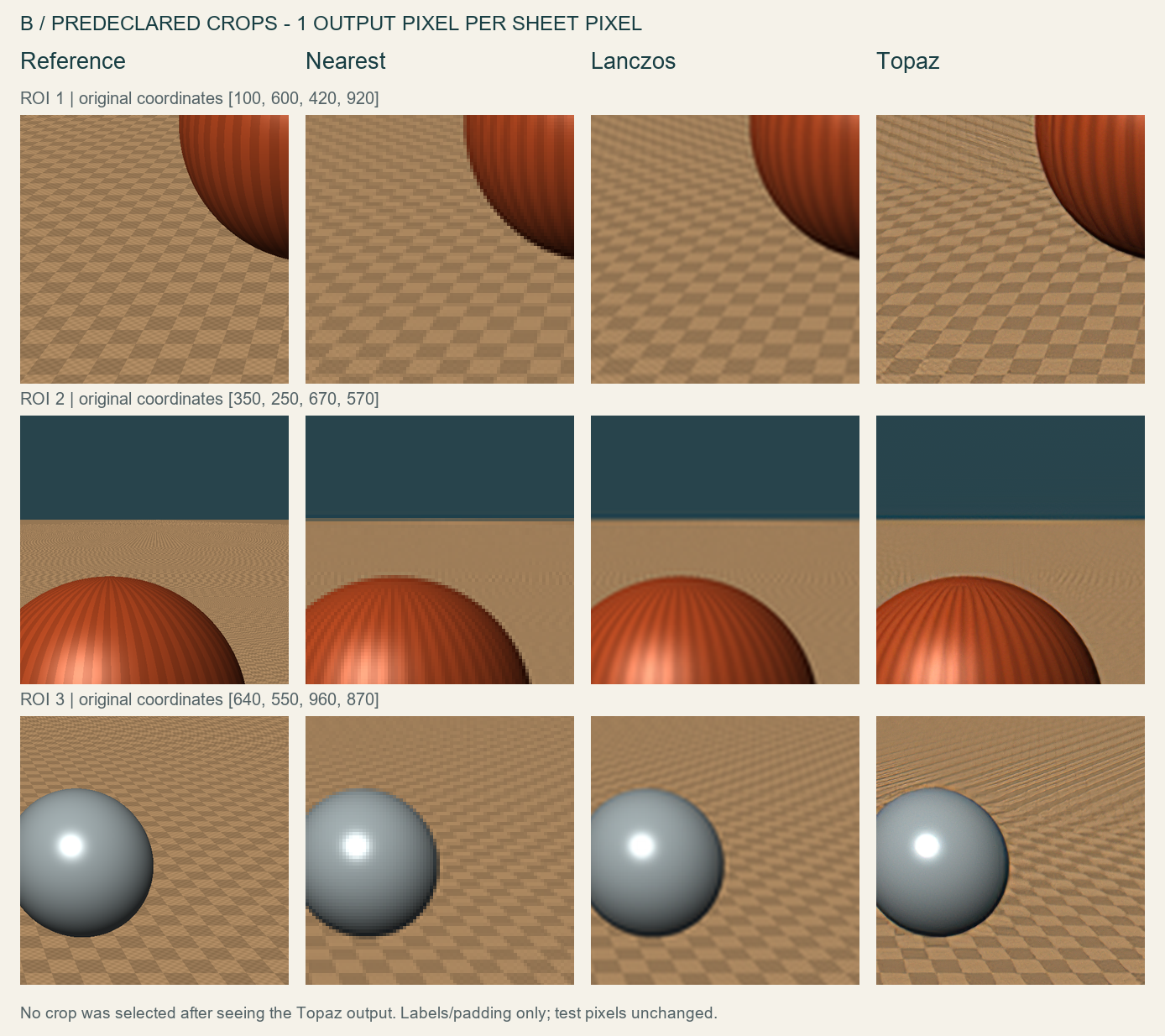
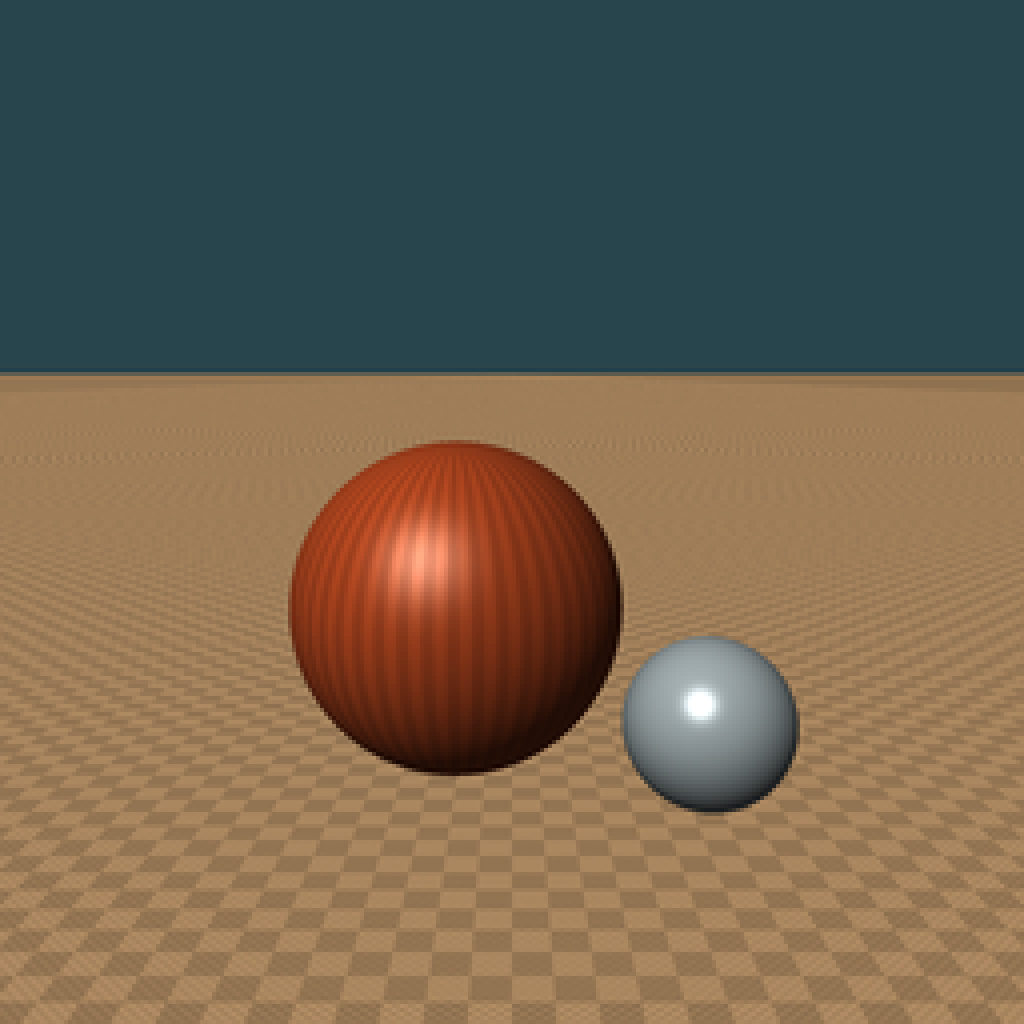
Topaz smoothed the sphere outlines relative to Nearest. The result could look more finished at a glance. The floor, however, showed long directional marks and irregular checker boundaries that differed from the reference pattern.
Lanczos was softer, but its whole-image pixel error was smaller in this case. Topaz was not worse in every region: the crop around the top of the larger sphere had a slightly higher PSNR than Lanczos. The important point is that one image can contain both local improvements and new discrepancies.
ROI 1 (coordinates: 100, 600, 420, 920)
Reference
Inspect F3 ROI 1 (coordinates: 100, 600, 420, 920) / Reference at full size
320 × 320 pixels. Focus the frame and use arrow keys to scroll. Toggle this control to close.
Nearest
Inspect F3 ROI 1 (coordinates: 100, 600, 420, 920) / Nearest at full size
320 × 320 pixels. Focus the frame and use arrow keys to scroll. Toggle this control to close.
Lanczos
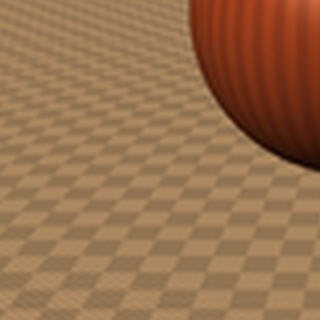
Inspect F3 ROI 1 (coordinates: 100, 600, 420, 920) / Lanczos at full size
320 × 320 pixels. Focus the frame and use arrow keys to scroll. Toggle this control to close.
Topaz
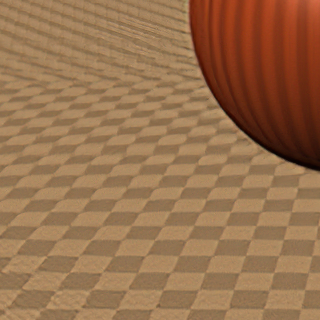
Inspect F3 ROI 1 (coordinates: 100, 600, 420, 920) / Topaz at full size
320 × 320 pixels. Focus the frame and use arrow keys to scroll. Toggle this control to close.
ROI 2 (coordinates: 350, 250, 670, 570)
Reference
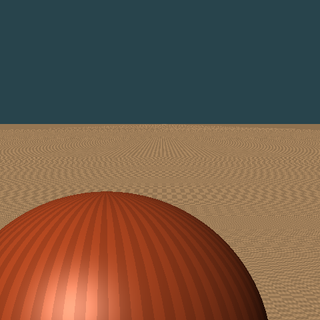
Inspect F3 ROI 2 (coordinates: 350, 250, 670, 570) / Reference at full size
320 × 320 pixels. Focus the frame and use arrow keys to scroll. Toggle this control to close.
Nearest
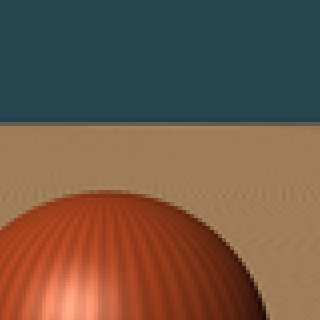
Inspect F3 ROI 2 (coordinates: 350, 250, 670, 570) / Nearest at full size
320 × 320 pixels. Focus the frame and use arrow keys to scroll. Toggle this control to close.
Lanczos

Inspect F3 ROI 2 (coordinates: 350, 250, 670, 570) / Lanczos at full size
320 × 320 pixels. Focus the frame and use arrow keys to scroll. Toggle this control to close.
Topaz
Inspect F3 ROI 2 (coordinates: 350, 250, 670, 570) / Topaz at full size
320 × 320 pixels. Focus the frame and use arrow keys to scroll. Toggle this control to close.
ROI 3 (coordinates: 640, 550, 960, 870)
Reference
Inspect F3 ROI 3 (coordinates: 640, 550, 960, 870) / Reference at full size
320 × 320 pixels. Focus the frame and use arrow keys to scroll. Toggle this control to close.
Nearest
Inspect F3 ROI 3 (coordinates: 640, 550, 960, 870) / Nearest at full size
320 × 320 pixels. Focus the frame and use arrow keys to scroll. Toggle this control to close.
Lanczos
Inspect F3 ROI 3 (coordinates: 640, 550, 960, 870) / Lanczos at full size
320 × 320 pixels. Focus the frame and use arrow keys to scroll. Toggle this control to close.
Topaz
Inspect F3 ROI 3 (coordinates: 640, 550, 960, 870) / Topaz at full size
320 × 320 pixels. Focus the frame and use arrow keys to scroll. Toggle this control to close.
Here are the whole-image pixel comparisons:
| Case | Nearest PSNR | Lanczos PSNR | Topaz PSNR |
|---|---|---|---|
| A: text and fine lines | 18.781 dB | 18.869 dB | 19.221 dB |
| B: synthetic still life | 32.483 dB | 33.719 dB | 32.082 dB |
PSNR measures numeric agreement with the known reference here; higher means lower mean squared pixel error. It is not a subjective visual-quality score.
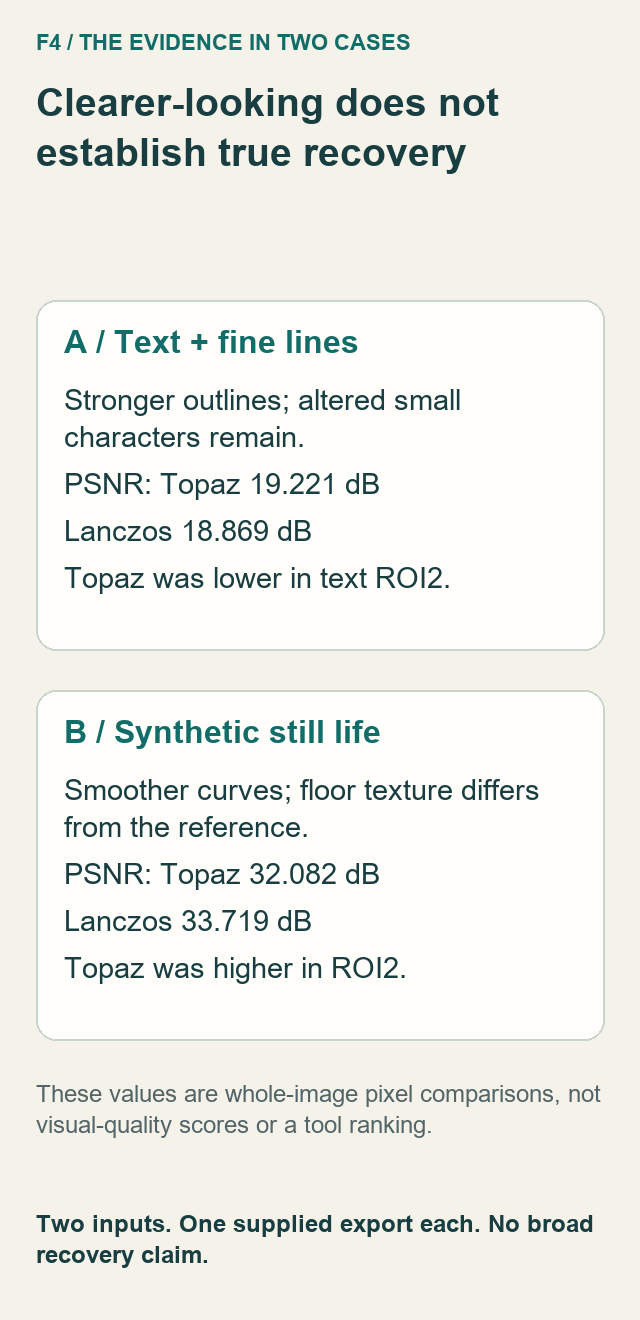
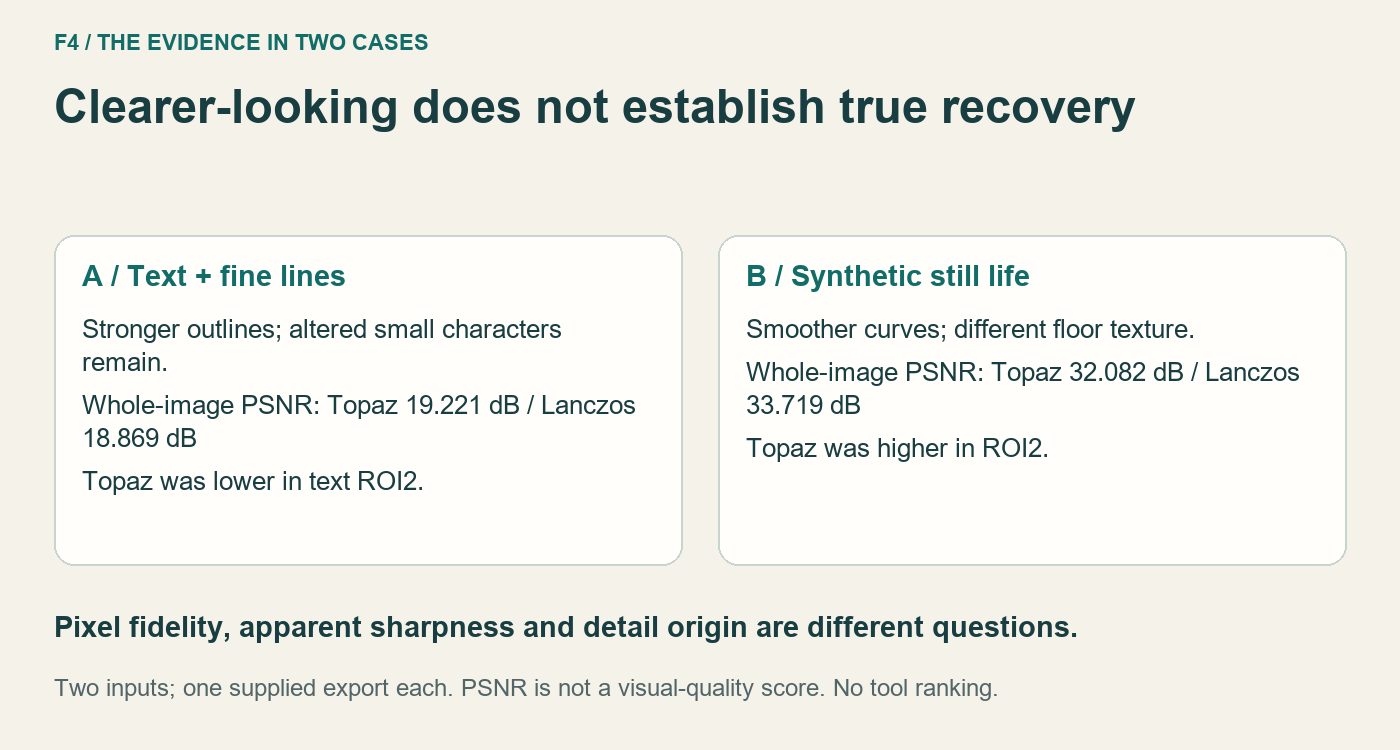
Topaz was 0.352 dB above Lanczos across A, while A's second text ROI was 0.195 dB below it. Across B, Topaz was 1.637 dB below Lanczos, while B's second ROI was 0.159 dB above it. The complete numeric records and SHA256 identities are retained in our internal editorial archive. All six preregistered ROI coordinates are shown in the comparison figures.
What AI Can Improve
These examples show changes that may be useful: less obvious block structure, smoother curves and stronger edges. A creator preparing a small illustration for a larger layout may prefer some of those changes.
That preference needs a specific purpose and viewing size. Inspect the output where it will be used, then check important features at native size. A fit-to-window preview can conceal the very differences that matter for a label or repeated pattern.
Inspect F4 at full size
This view keeps the selected image at its original dimensions. Focus the frame and use arrow keys to scroll.
What AI Cannot Reliably Recover
This test does not establish that Topaz can reliably recover lost image details. An upscaled character, pattern or fine mark still needs verification against its source. The reference lets us see discrepancies in these cases. Without such a reference, a plausible-looking result is harder to validate.
Nor do higher pixel scores settle whether a result looks better. Research on the perception–distortion tradeoff distinguishes perceptual quality from distortion measures. That distinction helps frame our observations; it is not a proof of what caused this proprietary application's output.
We did not run a paired “different originals, identical low-resolution input” experiment in this Topaz pilot. We do not present such a demonstration as a completed test.
Practical Advice for Creators
- Try conventional resizing first. Compare it at the actual display size before deciding an AI enhancement is needed.
- Inspect content that carries meaning. Check label text against the source text, rather than trusting a cleaner-looking stroke.
- Recreate critical text or graphics when possible. Use the original type or vector artwork instead of relying on inferred letter shapes.
- Keep the untouched source. Save the enhanced version separately and disclose meaningful changes where accuracy matters.
- Use the result for a defined purpose. A pleasing enlargement for a layout and a faithful record of fine detail have different requirements.
Method, Sources and Limitations
Method. References and retained PNG inputs are 8-bit RGB. Downsampling and the traditional controls used Pillow 13.0.0; the authoring record also identifies NumPy 2.3.5 and Python 3.12.14. The three ROI rectangles per image use the original 1024-pixel coordinate system.
We calculated RGB-code-value MSE and PSNR against each known reference, using PSNR = 10 × log10(255² / MSE). There was no color transformation, alignment optimization or additional image processing. Neither supplied Topaz PNG contains an ICC profile. This is not a color-managed display assessment.
Large flat areas influence whole-image scores. PSNR does not identify whether detail was inferred, verify text meaning or measure human preference. We did not calculate SSIM or an artificial “recovery percentage.”
Scope. Two synthetic images, PNG inputs only, one supplied manual Topaz export each. No JPEG Topaz test, real-photography test, face test, repeated inference, speed comparison or software ranking was performed. The exact internal model revision, processing duration and full export-dialog choices were not independently recorded. The settings screenshot does not independently establish crop status; the exported file dimensions were directly verified. Any prior tuning history was not independently observed.
Both supplied exports are decodable 1024 × 1024, 8-bit RGB PNGs. A is 1,104,249 bytes; B is 1,161,957 bytes. Full SHA256 identities, numeric records and crop mappings are retained in our internal editorial archive. The non-sensitive original reference, input and output PNGs are available for inspection:
- Case A: Reference · 256px input · Nearest · Lanczos · Topaz.
- Case B: Reference · 256px input · Nearest · Lanczos · Topaz.
Sources checked 17 November 2026:
- Our source images and supplied exports linked above, the six displayed ROI definitions, and internally retained pixel-error records.
- Pillow: resampling filters, for what Nearest and Lanczos compute.
- Blau and Michaeli, The Perception-Distortion Tradeoff, CVPR 2018, for the distinction between perceived quality and distortion.
- The owner's parameter screenshot and confirmation of B's matching settings. The existing application's visible version was recorded as 5.4.4; no assertion about current Topaz behavior is made.
Disclosure. The draft, layouts and explanatory diagrams were prepared with AI assistance. The reference scenes were authored programmatically; the Topaz files were exported manually by the owner. The comparison crops use those actual files without changing their pixels. This case study makes no claim about search traffic, universal model performance or recovery of all missing original detail.